DirectMail provides APIs to validate email addresses individually or in batches, helping you verify address validity before sending.
Feature description
API examples
-
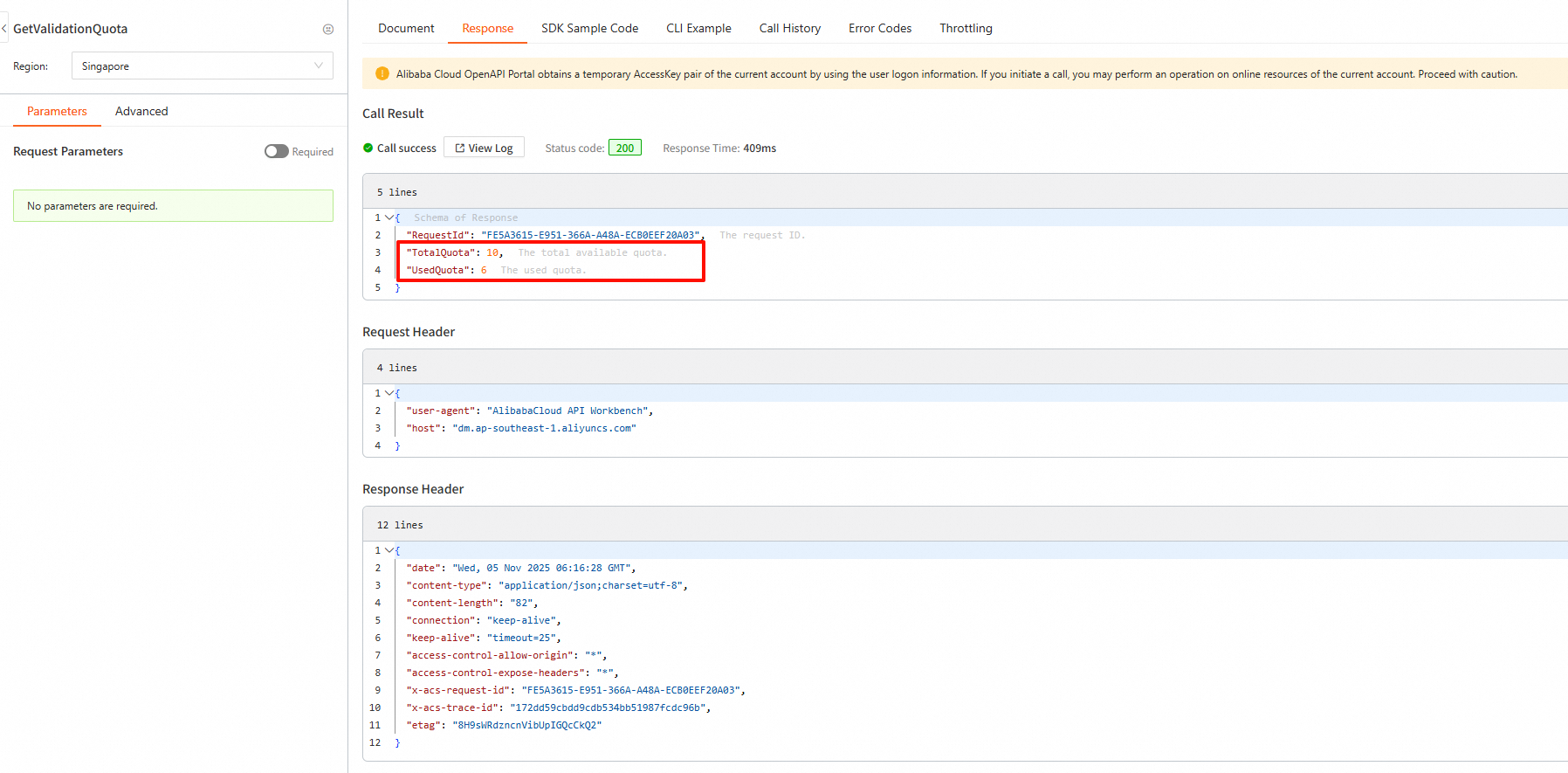
GetValidationQuota: Retrieves the email validation quota.
-
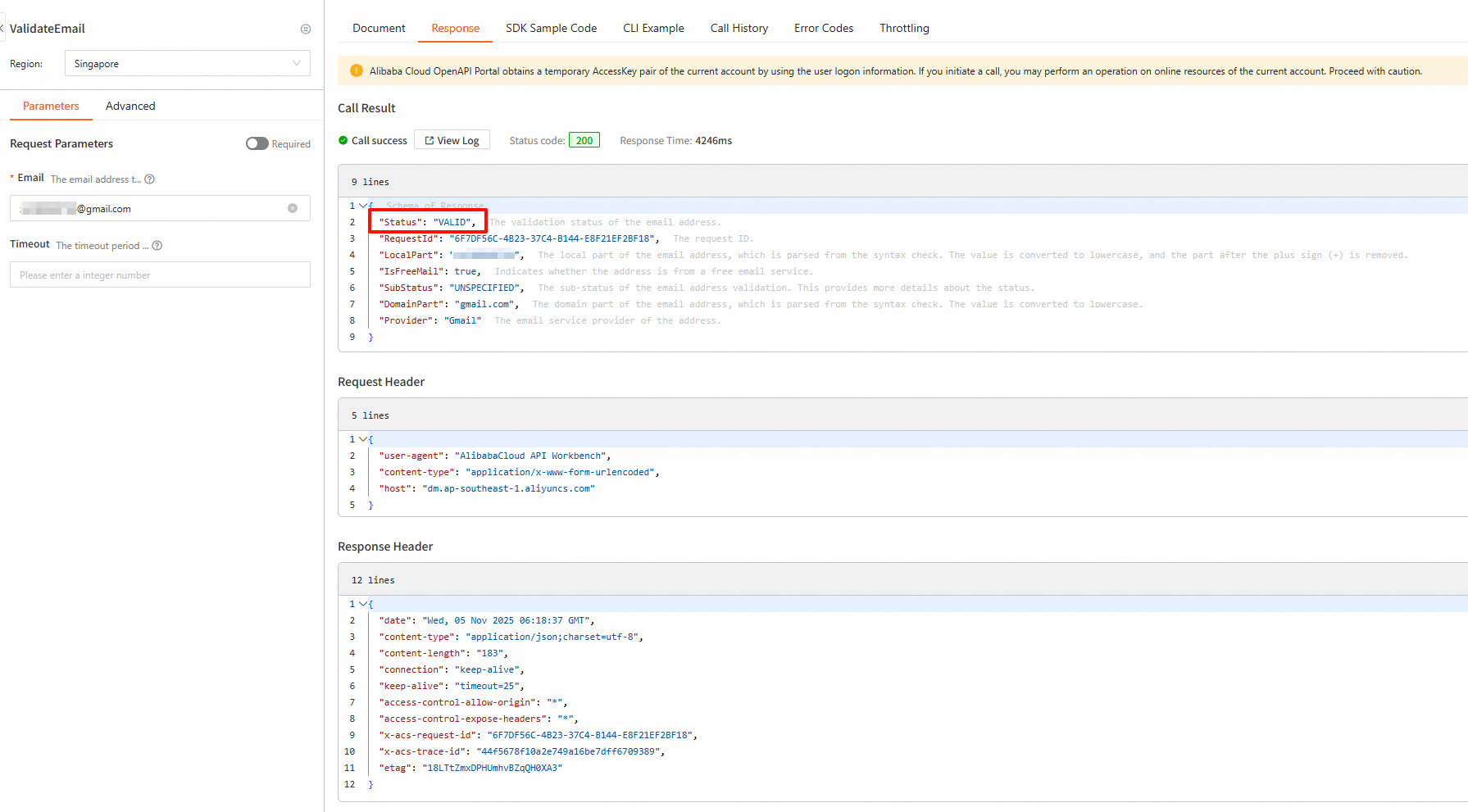
ValidateEmail: Validates a single email address.
-
Batch address processing order:
-
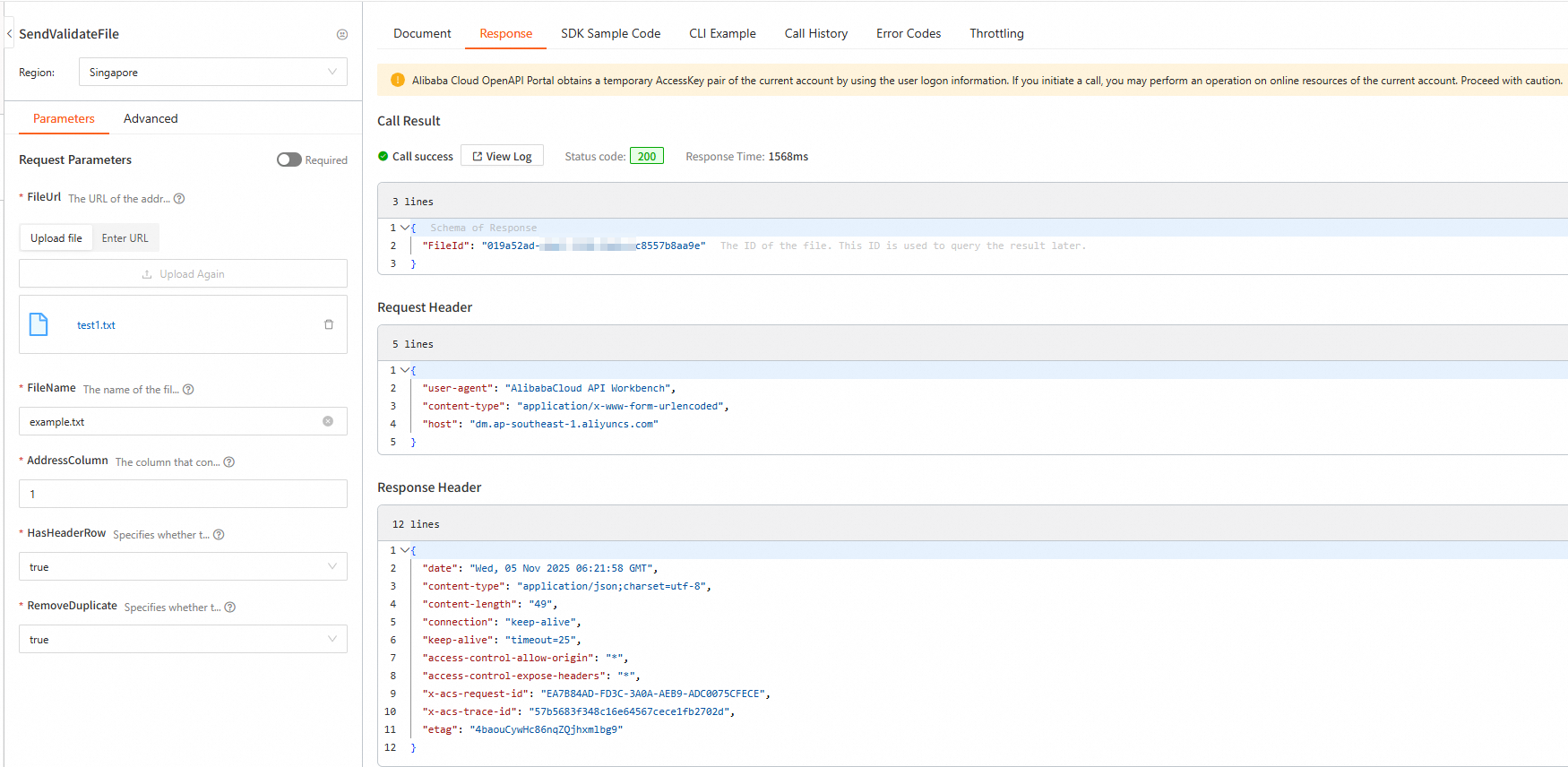
SendValidateFile: Upload the list of addresses to validate.
-
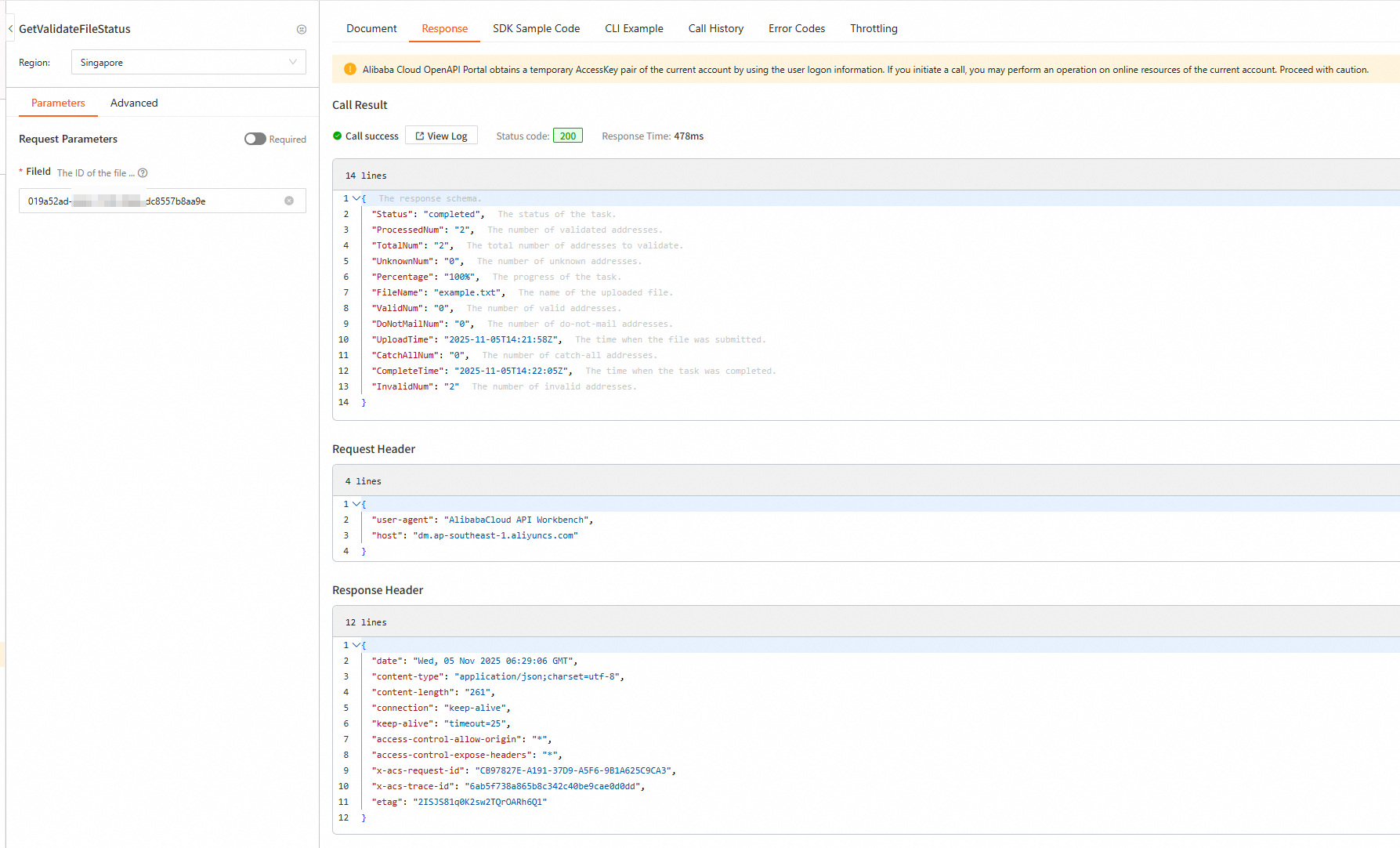
GetValidateFileStatus: Retrieve the validation file status.
-
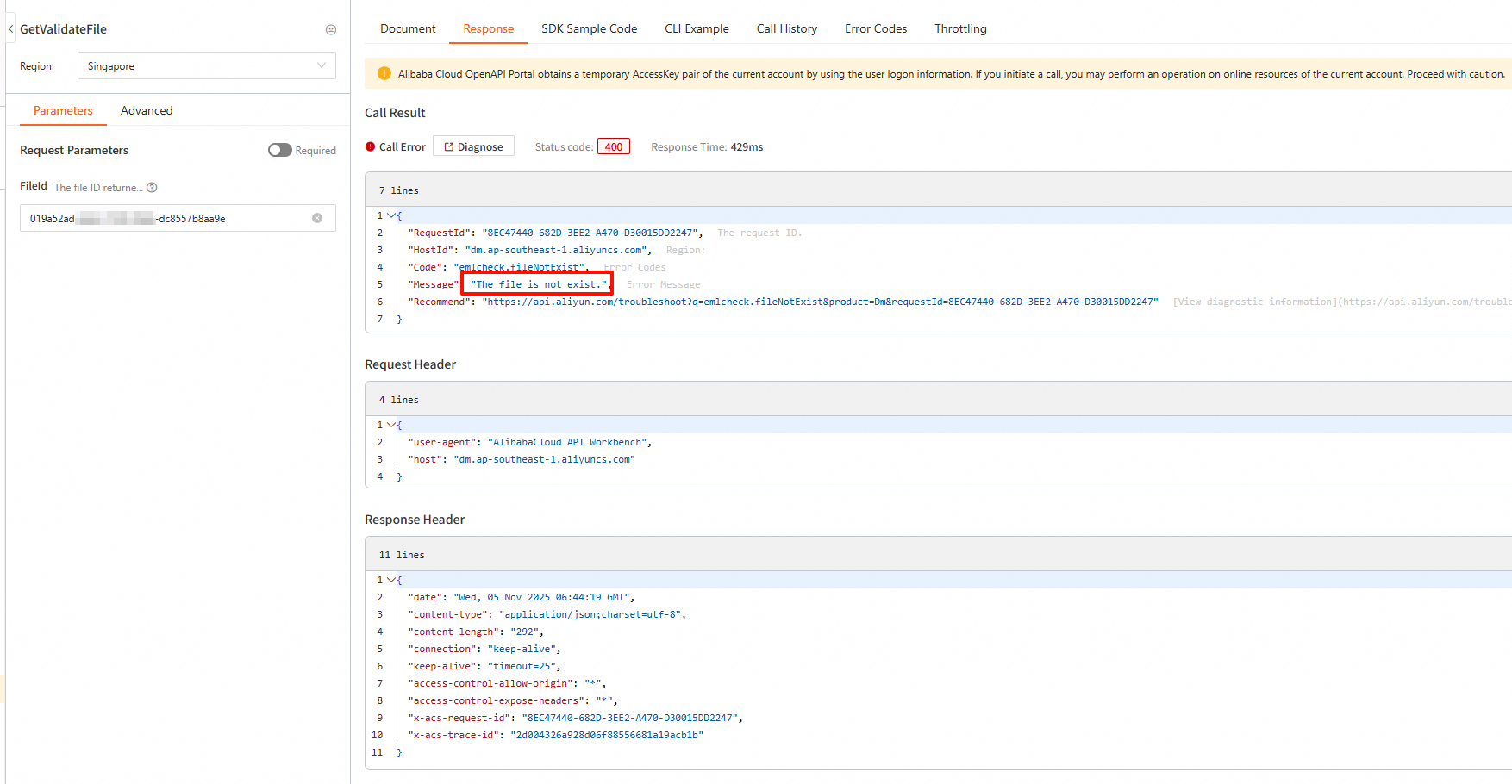
GetValidateFile: Retrieve the result file of the batch validation task.
-
DeleteValidateFile: Delete the validation file after validation completes.
-
For API documentation and testing, see Email address validation APIs.
GetValidationQuota: Retrieves the email validation quota.
ValidateEmail: Validates a single email address.
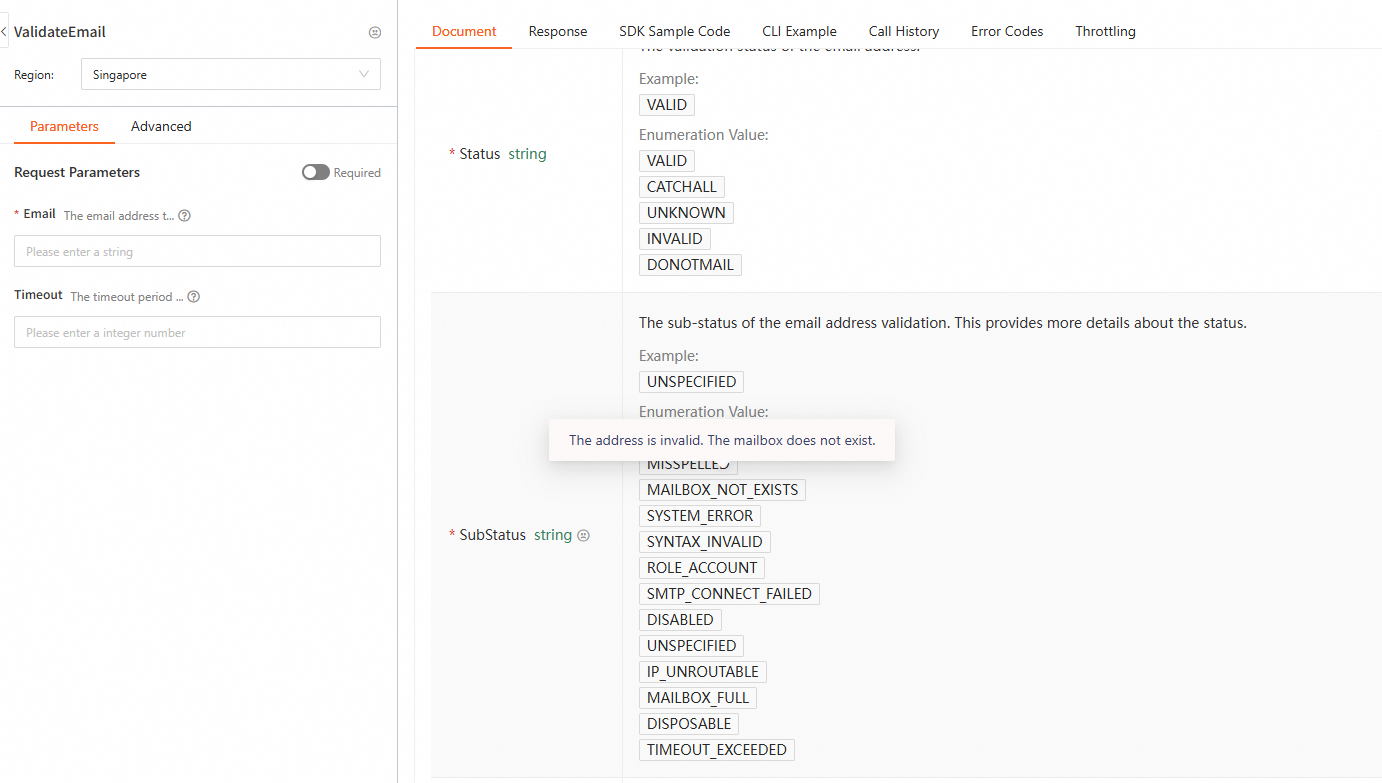
Hover over an enumeration value to view its description.
Batch call examples
1. SendValidateFile
Upload the list of addresses to validate.
2. GetValidateFileStatus
Retrieve the status of the validation file.
3. GetValidateFile
Retrieve the result file of the batch validation task.
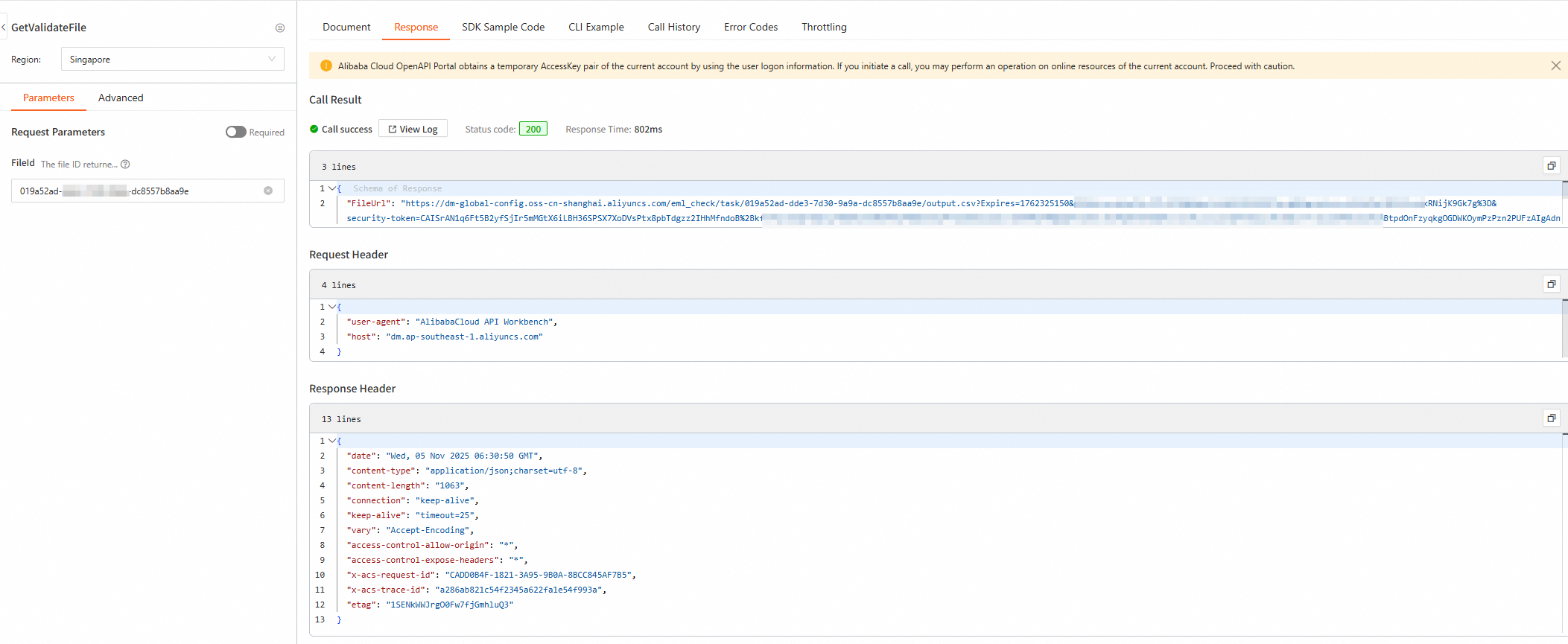
The file is downloaded from the returned URL.
4. DeleteValidateFile
After validation completes, delete the validation file.
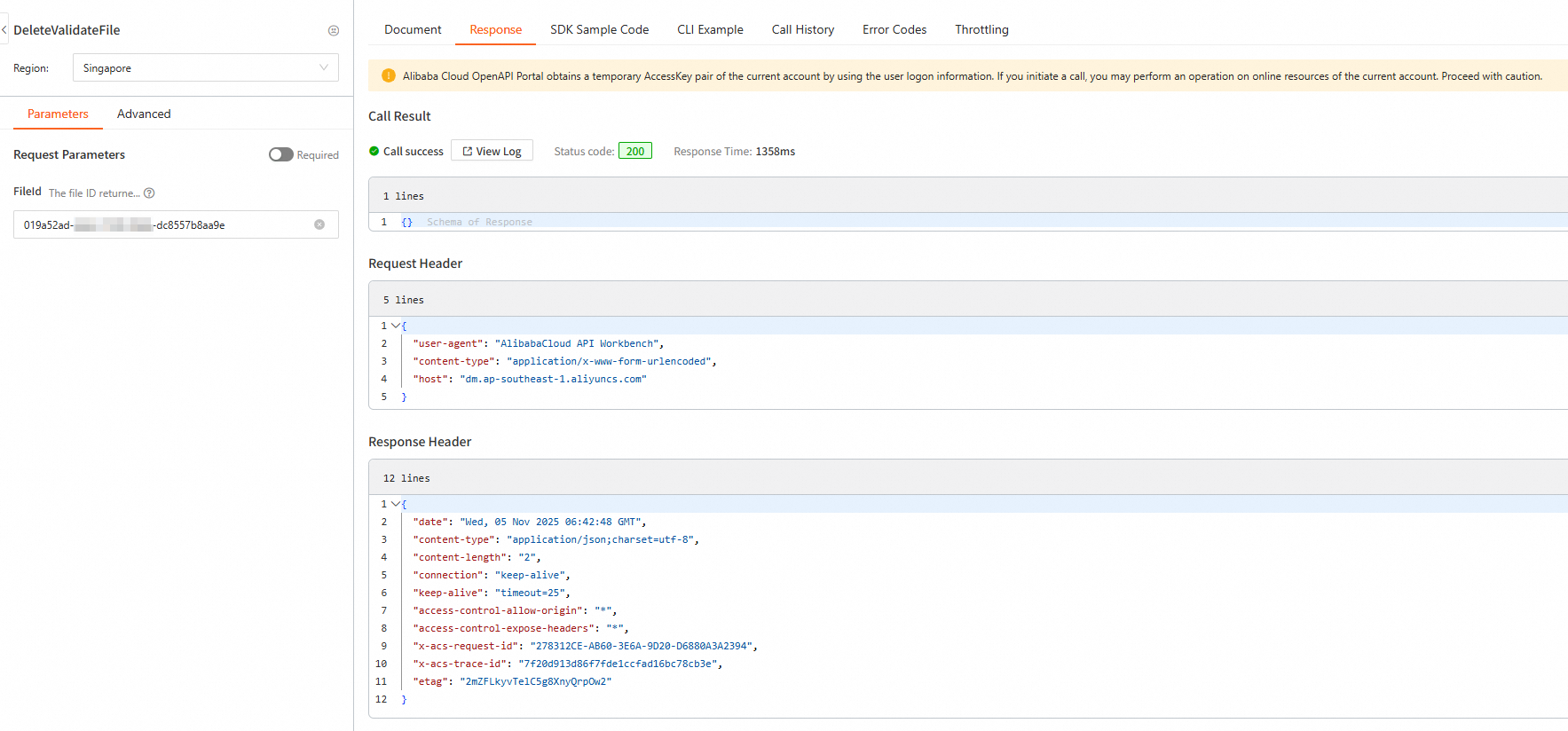
The file cannot be retrieved after it is deleted.