In the Properties panel, you can view the name, node ID, and node type of a scheduling node, and configure its basic properties, such as the owner, label, and description.
On the node edit page, click Scheduling Settings in the navigation pane on the right. Configure the node's basic properties in the General section.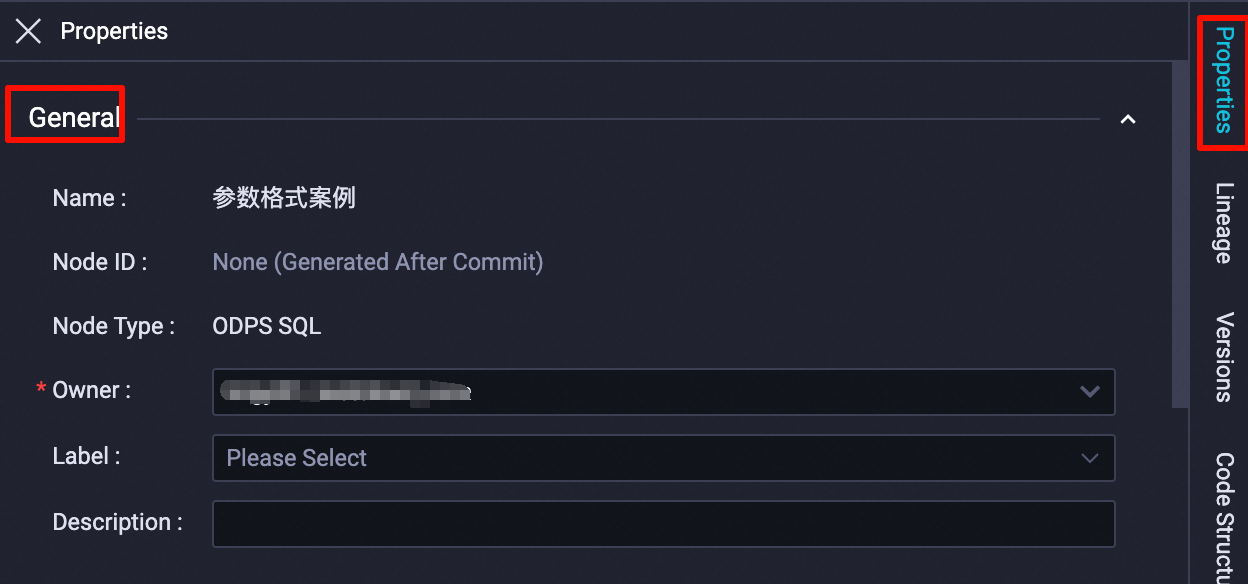
|
Parameter |
Description |
|
Name |
The name specified for the node upon creation. This property cannot be modified. |
|
Node ID |
A unique node ID is generated upon submission and cannot be modified. |
|
Node Type |
The type selected for the node upon creation. This property cannot be modified. |
|
Owner |
The owner of the node. By default, this is the currently logged-in user. You can change the owner. Note
Only a workspace administrator can change the owner. The new owner must be a member of the current DataWorks workspace. |
|
Tag |
Use labels to categorize and manage nodes. For more information, see Label management. |
|
Description |
A description of the node's business purpose or usage. |