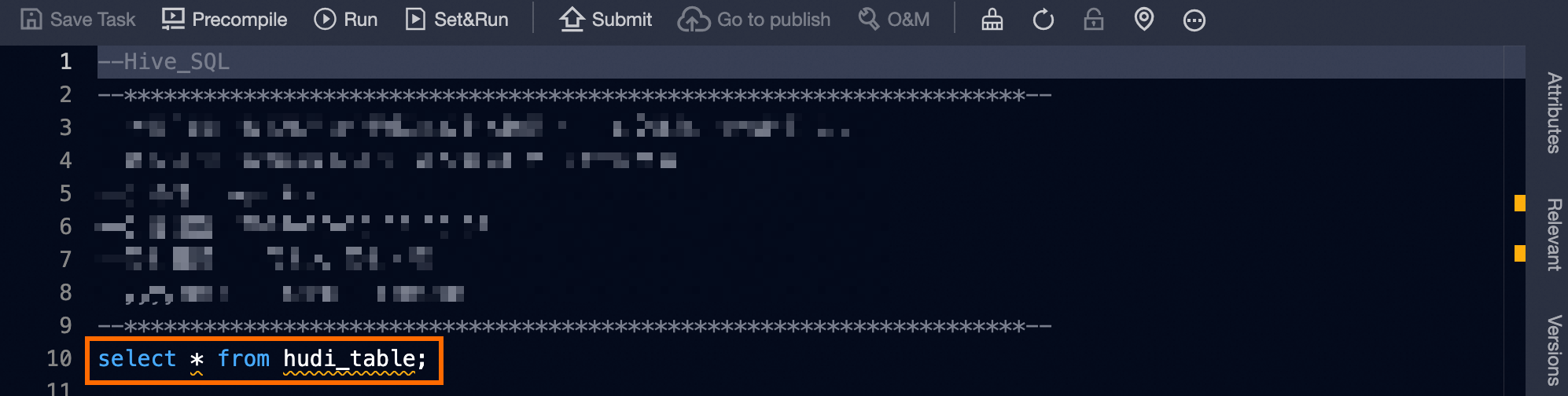
The Dataphin code editor supports code highlighting, completion, intelligent code hinting, and permission verification to help you reduce development costs and deliver reliable code faster.
Limits
The supported code efficiency features vary by compute engine. The following table lists the features available for each engine:
|
Compute Engine |
Table Hinting |
Table Field Hinting |
Code Hinting |
Access Control Verification |
Data Source Code Hinting |
|
Offline Computing Engine |
Supported |
Supported |
Supported |
Supported |
- |
|
Real-time Computing Engine (Flink) |
Supported |
Supported |
Supported |
Supported |
Supported |
Explanation of improving code efficiency in the editor
The following table describes the code efficiency features in the Dataphin editor:
|
Feature |
Description |
|
Code Highlighting |
The editor analyzes and highlights code keywords based on the language syntax for easier code review and editing. |
|
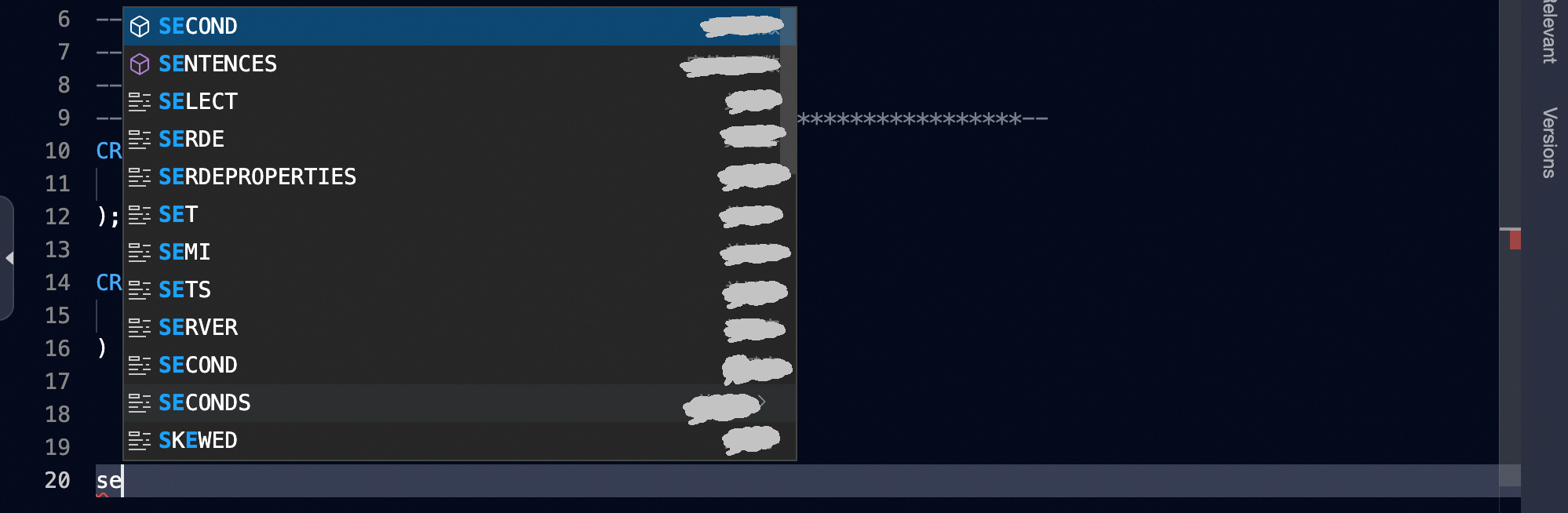
Code Completion |
As you type, the editor suggests keywords and provides hints for quick code completion. Note
Use the up and down arrow keys to navigate suggestions and press Enter to select, or click a suggestion to insert it. |
|
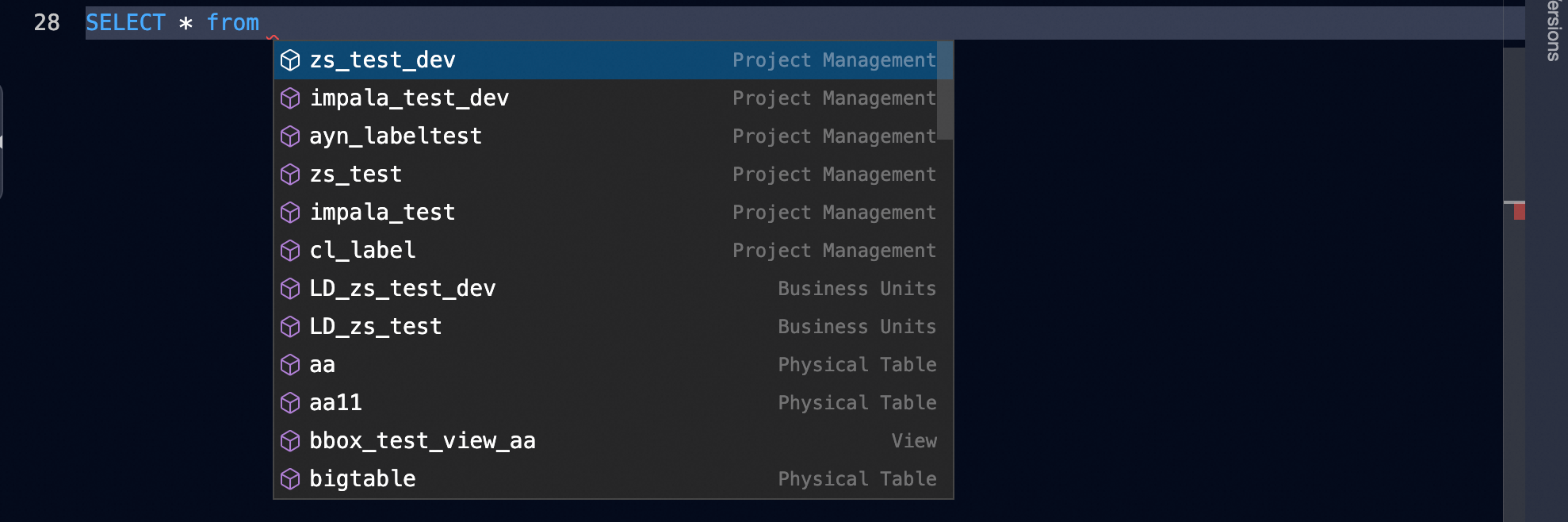
Table Hinting |
The editor suggests logical fact tables, logical dimension tables, and physical tables in the project, allowing you to select the table name you need for queries. |
|
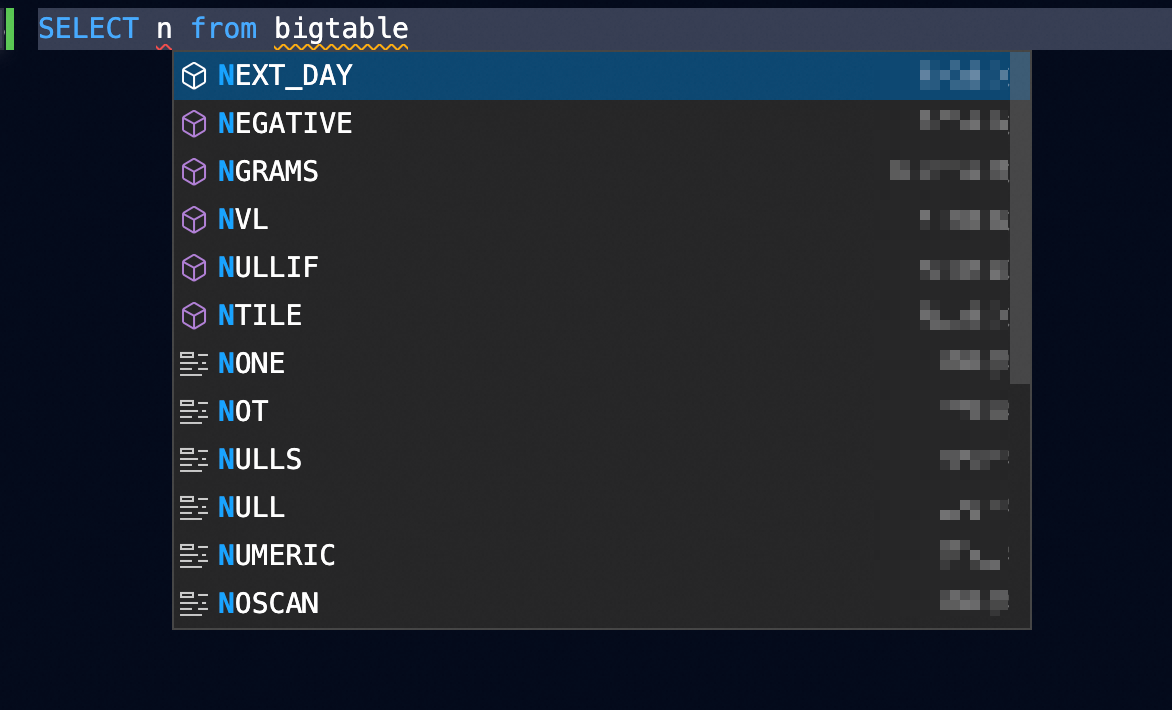
Field Hinting in Tables |
|
|
Code Hinting |
After you enter an SQL function, hover over it to view its rules and description. Click View Details for more information.
|
|
Verifying Permissions |
Hover over a table field to check whether you have the required read/write permissions. If you lack permissions, a notification appears. Click Quick Fix -> Request Permission to go to the permission request page for the table. Continue your operations after obtaining the required permissions. For more information, see or the referenced document. |
|
Data Source Code Hinting |
After you enter the data source encoding in the editor, the system suggests table information from the current Dataphin instance's data source based on your input.
|