Update the email address you use to log on to your Alibaba Cloud account.
Changing your logon email does not affect your account ID (UID), cloud resources, configurations, RAM users, permissions, or AccessKey pairs. For more information, see View your Alibaba Cloud account ID.
When to change your logon email
Common reasons to change your logon email:
Your original email is compromised or no longer meets security requirements.
The account owner changed due to an employee departure or role transfer.
Your organization wants to standardize all logon emails under a corporate domain.
Prerequisites
Log on to your Alibaba Cloud account. The verification method depends on whether your original logon email is available:
Original logon email is available: Verify your identity with a code sent to your email or secure phone.
Original logon email is unavailable
If you remember your email address, log on with it and verify with a code sent to your mobile phone.
If you have forgotten your email address and cannot log on, or if both your secure phone and logon email are unavailable, go to the Account Appeal page (no logon required) to submit an appeal ticket. A dedicated support agent will handle sensitive changes such as updating your logon email. For more information, see file an appeal.
Procedure
RAM user, RAM role, and Enterprise SSO logons cannot change the account logon email. Ask the account administrator to log on to the Alibaba Cloud account and make this change.
Log on to the Account Center and go to the Security Settings page. In the Basic Settings section, click Modify under Username.

Alternatively, on the Overview page, in the My Account section, click the
 icon next to Username.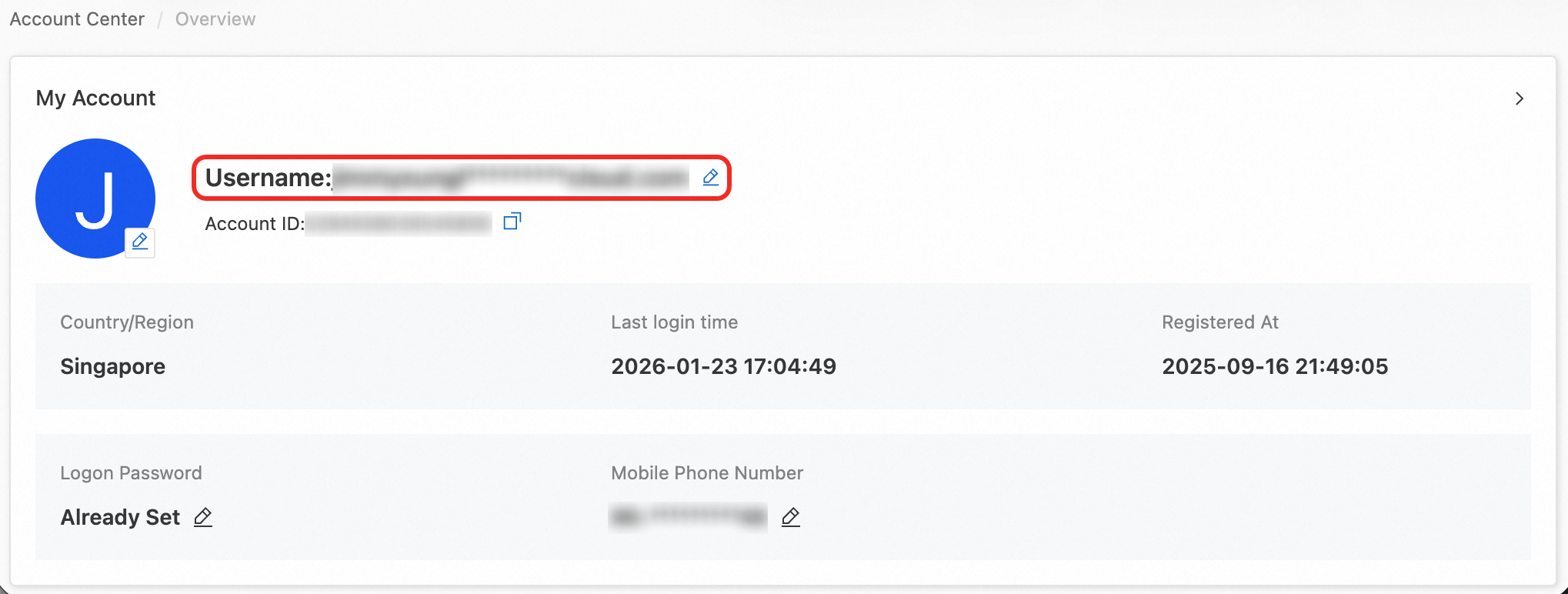
Verify your identity with your mobile phone number, original logon email, or TOTP.
Enter your new Logon Email Address, click Get Verification Code, enter the code, and click Confirm.
A Modification successful message appears.
Security recommendations
Before changing your logon email, ensure the new email address is fully under your control. Do not use a shared or third-party-owned address.
After the change, you can no longer log on with the old email address. All logon attempts, password resets, and security notifications use the new email address.
FAQ
What if I do not receive a verification code?
If your original logon email or secure phone is accessible, take the following steps to troubleshoot:
Check whether the verification email was filtered into your spam or junk folder.
Add system-sg@notice.alibabacloud.com to your email whitelist and request a new verification code.
If the code still does not arrive, you can request a backend email change. Submit your logon email address, UID, account name, original mobile phone number, and new email address, and include the following authorization statement: "I authorize Alibaba Cloud to change the logon email of Account ID: ***** to *****."
For more troubleshooting options, see What do I do if I do not receive a verification code during registration or logon?.
If both your secure phone and logon email are unavailable, you must file an appeal.
What if the new email address is already in use?
The email address is registered to another Alibaba Cloud account. Options:
Use an unregistered email address.
If the email belongs to you but you forgot the other account's password, recover access first. For more information, see Reset a forgotten password