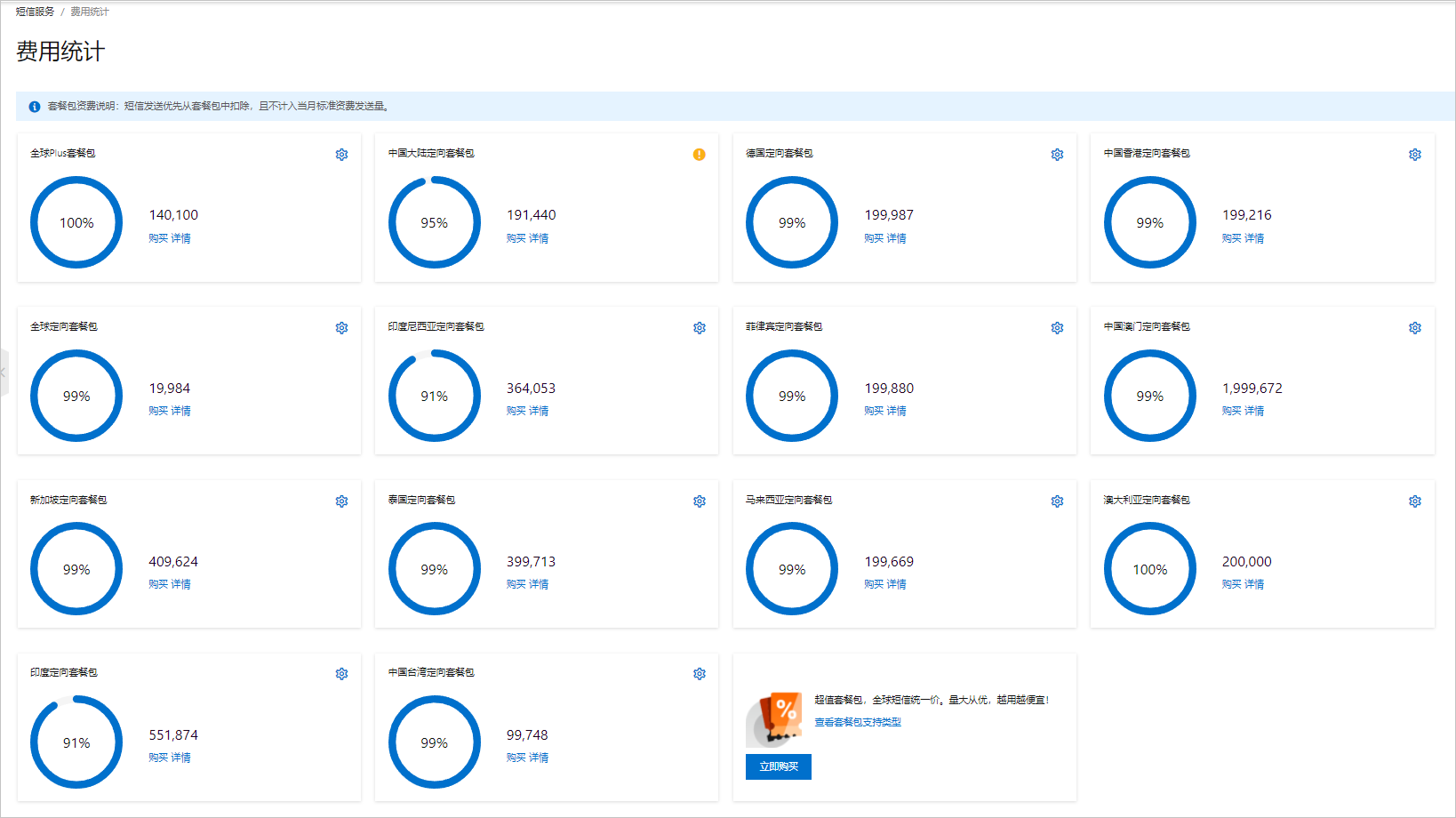
This topic describes how to view the financial reports and resource package usage in the Alibaba Cloud SMS console.
Procedure
View the financial reports
Log on to the SMS console. In the left navigation pane, choose .
On the Bills tab, you can view the billable items and bill amounts in the current billing cycle.

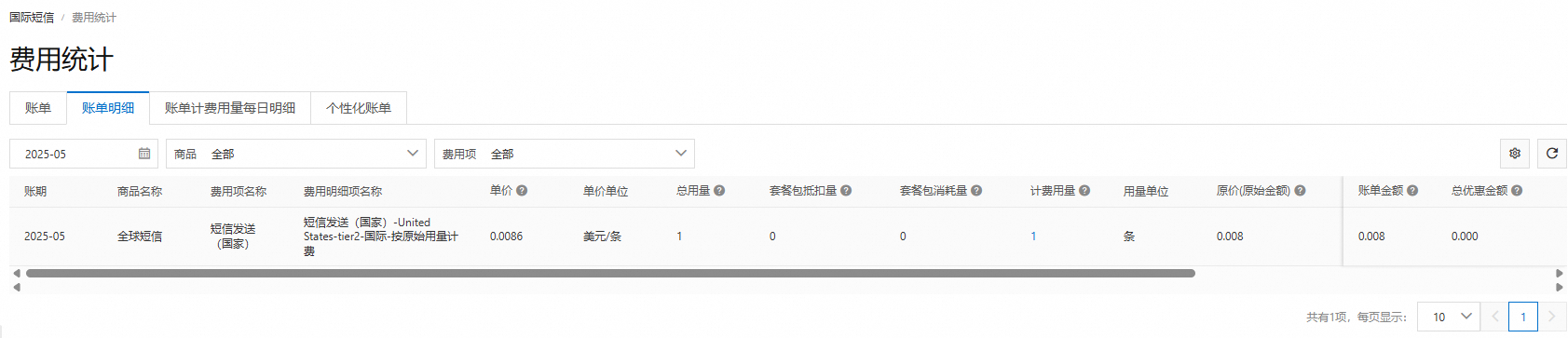
On the Bill Details tab, you can view billable item details, unit prices, and billed usage in the current billing cycle.

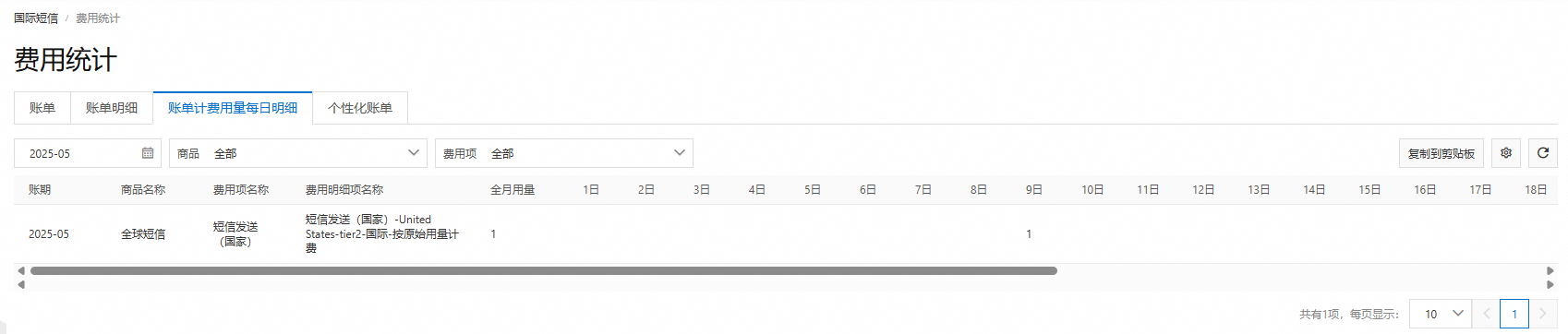
On the Daily Billing Details per Month tab, you can view the daily usage of each billable item in the current billing cycle.

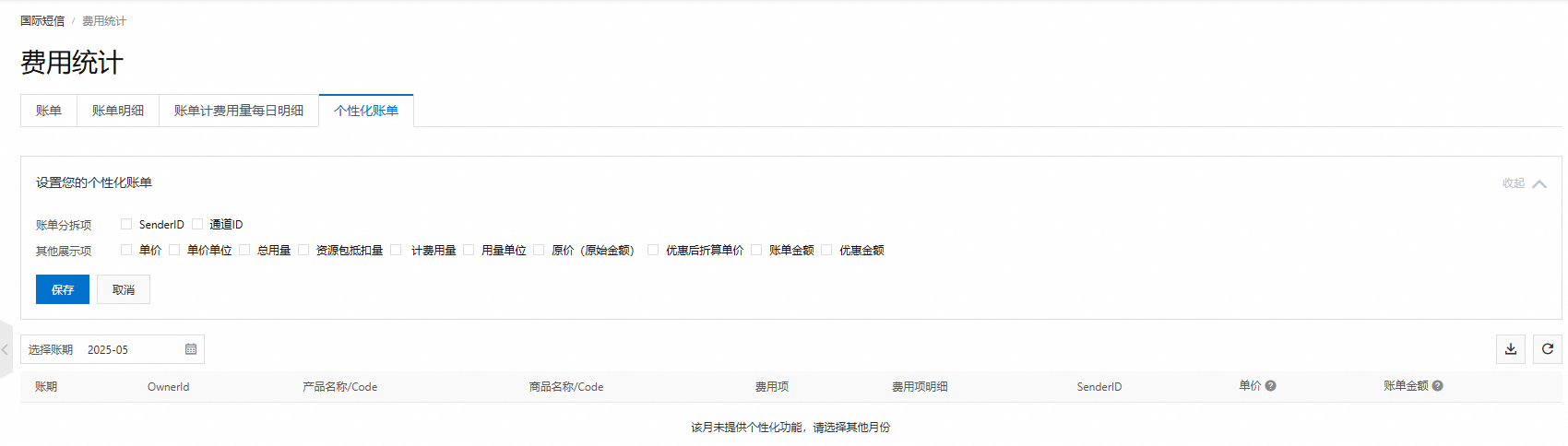
On the Personalized Bills tab, you can configure customized bills based on bill-related fields. The data for the current billing cycle will be displayed according to your configuration.

View resource package usage
Log on to the SMS console.
You can use one of the following methods to view resource package usage:
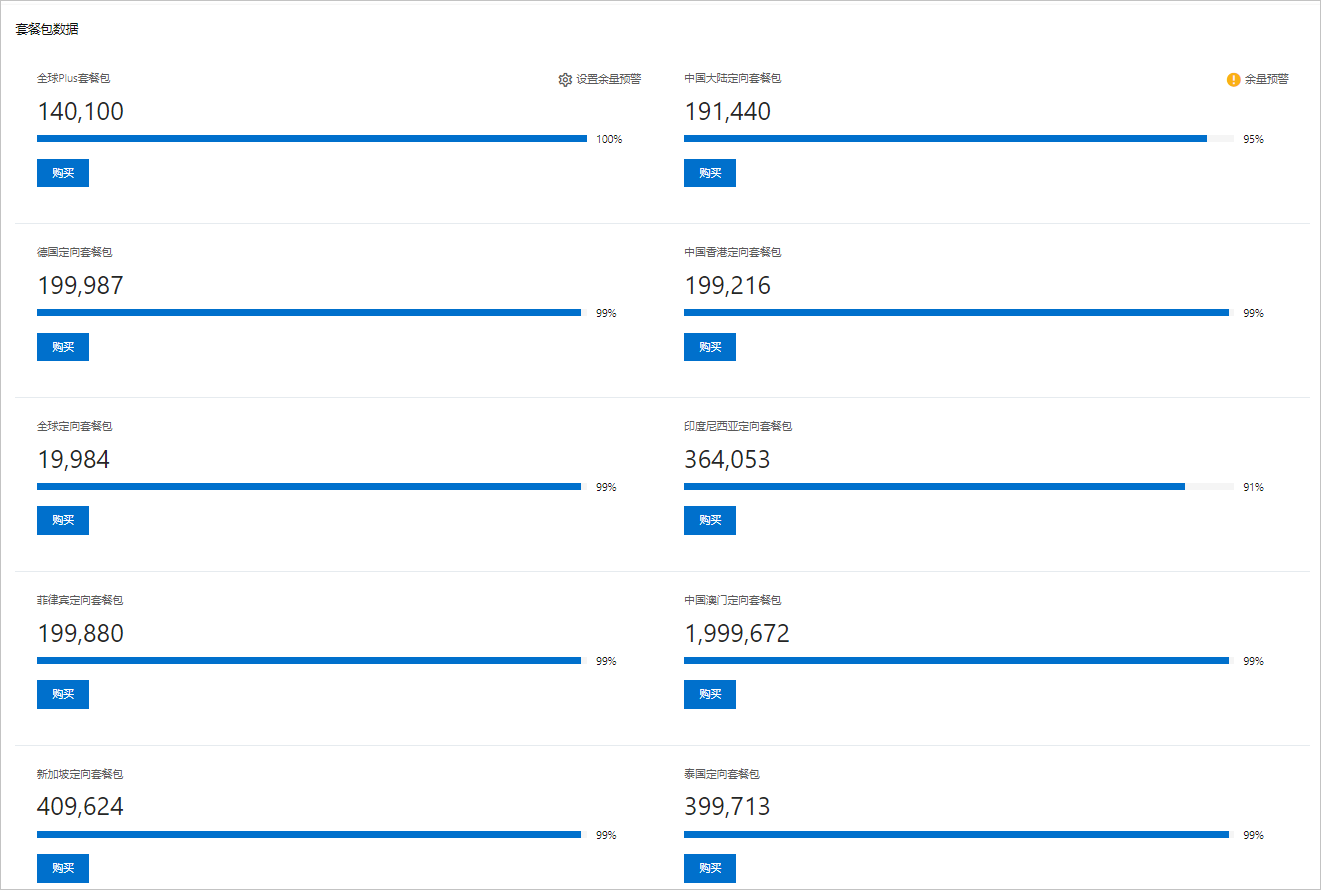
In the left navigation pane, click Overview. You can view the remaining balance of your resource packages in the Resource Package Data section.

In the left navigation pane, choose .
Select a resource package and click Details to view the details of the resource package.